


Finding someone on OnlyFans is not as simple as typing a name into a search bar. Many users expect OnlyFans to work like Instagram or Google, but the platform is built very differently. There is no public directory, no keyword search, and no way to browse creators by interest or location.
This often leads to frustration. Users know a creator exists, yet they cannot find their profile. Others search for an “OnlyFans search engine” without understanding what is actually possible and what is not.
This article explains how searching on OnlyFans really works, how to find someone safely, and what to avoid. It is written to give clear answers, set realistic expectations, and help you navigate the platform without relying on unreliable tools.
How searching on OnlyFans works
OnlyFans does not operate like a traditional social platform. Search functionality is intentionally limited, and understanding those limits is the first step to finding someone successfully.
What you can and can’t search on OnlyFans
On OnlyFans, you can only search for exact usernames. The internal search bar does not support:
- Full names
- Keywords or interests
- Location-based searches
- Categories or niches
If you do not know the creator’s username, searching directly on OnlyFans will usually not return results.
This is why many users believe they are “doing something wrong,” when in reality the platform simply does not allow broader discovery.
Why OnlyFans doesn’t have a public search engine
OnlyFans prioritizes creator privacy and control. Unlike open social networks, creators decide how visible they want to be and where they promote their content.
There are several reasons for this design choice:
- Privacy protection for creators
- Reduced scraping and content theft
- Greater control over audience acquisition
- Dependence on external promotion channels
As a result, OnlyFans does not provide a public search engine or browsing system.
How to find someone on OnlyFans by username
If you know a creator’s username, finding them is straightforward. This is the most reliable and accurate method.
Step-by-step guide to searching usernames
- Log in to your OnlyFans account
- Click on the search bar at the top of the page
- Enter the exact username (without spaces)
- Select the correct profile from the results
If the username is correct, the profile should appear immediately.
This method works best when the username is copied directly from a trusted source, such as the creator’s social media bio.
Common username mistakes to avoid
Many failed searches happen because of small errors. Common issues include:
- Missing underscores or dots
- Extra numbers at the end of the name
- Using an old username that has been changed
- Confusing display names with actual usernames
Creators often update their usernames over time, especially as their brand evolves. If a search does not work, the username may no longer be current.
For creators who are setting up or rebranding their profile, choosing a clear and memorable handle is important – this guide on OnlyFans username ideas explains how usernames impact discoverability.
Using social media platforms
Social media is the most common way creators share their OnlyFans accounts. Platforms frequently used include X (Twitter), Instagram, Reddit, TikTok, and link-in-bio tools.Creators usually place their OnlyFans link in profile bios, pinned posts, story highlights, or comment sections as part of how they promote their OnlyFans across different social platforms. If you already know a creator’s social handle, checking their bio is often the fastest way to find their OnlyFans page.
Using Google search operators
Google can help surface OnlyFans profiles that are publicly linked elsewhere.
Useful search examples include:
- site:onlyfans.com username
- OnlyFans + creator name
- creator name + OnlyFans
This works best for creators who actively promote their pages and have their links indexed on other websites.
Best OnlyFans finders
Since OnlyFans doesn’t offer a public search engine, a few external tools have become popular for helping users locate creator profiles. These tools are not official, but they rely on publicly available data and links shared by creators.
Below are some of the most widely used and relevant options, along with what each one is best for.
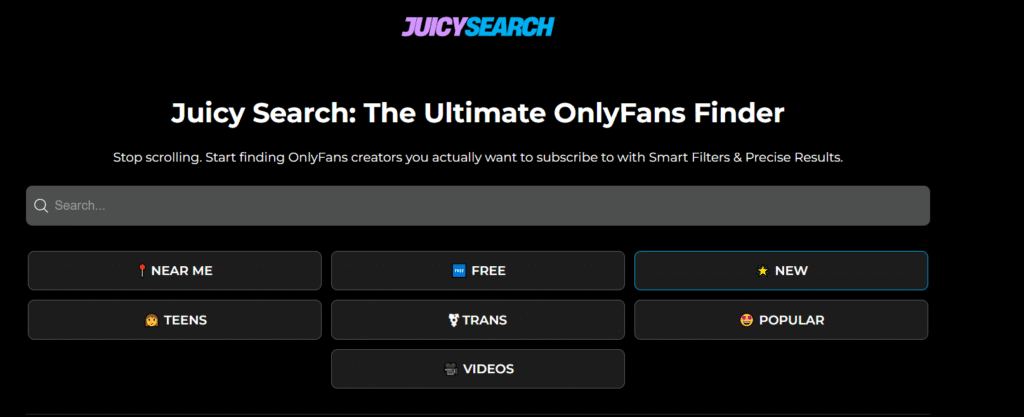
1. JuicySearch
JuicySearch focuses on image-based discovery. Users can upload a photo, and the tool scans publicly indexed creator images to find similar profiles. It also supports filtering by location and basic profile attributes.
Best for:
Situations where you only have a photo and no username.
2. OnlyFinder
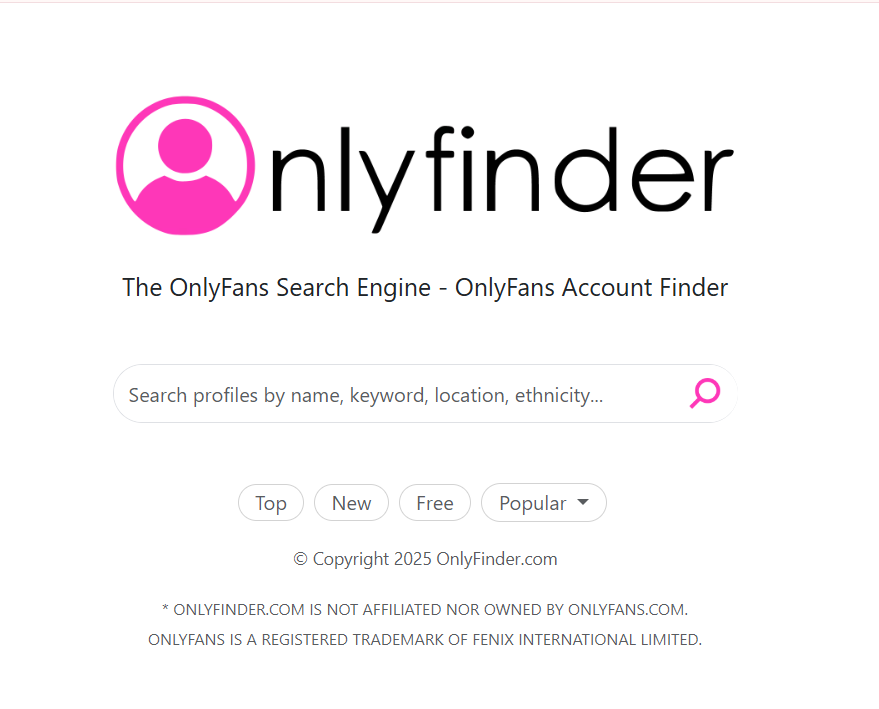
OnlyFinder works as a large searchable directory of OnlyFans creators. It allows searches by keywords, name, or location and organizes results into categories like new, popular, or free accounts.
Best for:
Browsing creators when you don’t know the exact username.
3. OnlySearch
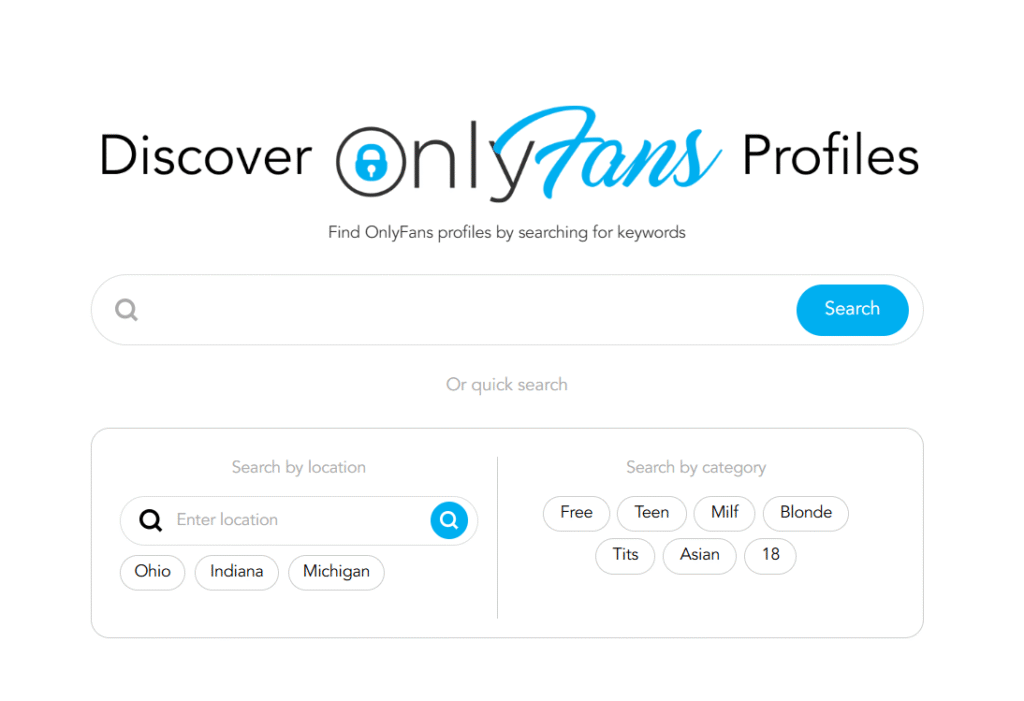
OnlySearch is built around keyword and filter-based searching. Users can narrow results by factors such as price, free accounts, engagement, and location, with direct links to creator profiles.
Best for:
More structured searches when you want to compare multiple profiles.
4. SubSeeker
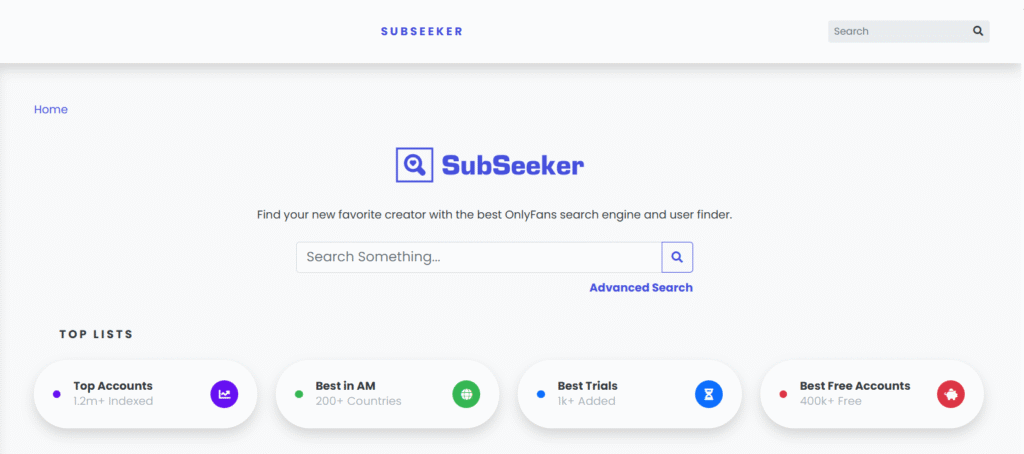
SubSeeker highlights new and trending creators, with a strong focus on free accounts and free trials. It also includes basic filters such as country and subscription price.
Best for:
Discovering newer creators or exploring without subscribing immediately.
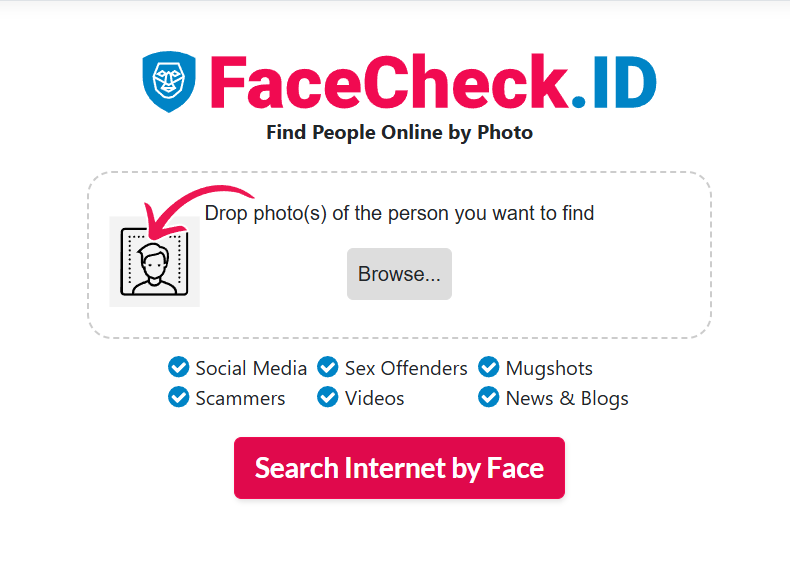
5. FaceCheck.ID
FaceCheck.ID uses reverse image search technology to match uploaded photos with publicly available profile images. It can help identify whether a photo is associated with an OnlyFans account.
Best for:
Verification use cases when only an image is available.
6. Reddit (community-based discovery)
While not a tool in the traditional sense, Reddit plays a major role in OnlyFans discovery. Many creators promote their accounts in dedicated subreddits, where users share recommendations and discuss trending profiles.
Best for:
Finding creators through real user discussions and community recommendations.
Important note on accuracy and safety
Even popular finder tools have limits. Profiles can be outdated or incomplete, especially if a creator has changed usernames or keeps a low public presence. Always verify results through official social media links or the creator’s OnlyFans page.
How to avoid fake profiles and scams
Searching outside the platform increases the risk of running into fake accounts. To protect yourself:
- Cross-check links from multiple sources
- Verify that social media profiles link consistently to the same OnlyFans page
- Avoid sites asking for login credentia
- Be cautious with “leaked content” claims
- Do not trust profiles with copied photos and no social presence
Legitimate creators usually maintain consistent branding across platforms.
Conclusion
There is no traditional OnlyFans search engine, and understanding that reality makes the process much easier. The most reliable way to find someone on OnlyFans is by using their exact username or following verified links from their social media profiles, where creators usually share how they promote their OnlyFans.
At THEWEBADDICTED, our goal is to provide clear, accurate guidance for navigating the OnlyFans ecosystem. Whether you are a user, creator, or agency, understanding how discovery works – from starting an OnlyFans account to choosing effective OnlyFans username ideas – helps you avoid misinformation and make smarter decisions.
Ready to collaborate?
Whether you’re a creator or an agency in the OnlyFans space, let’s build something extraordinary together. Reach out and start your journey with THEWEBADDICTED.
Get in touch